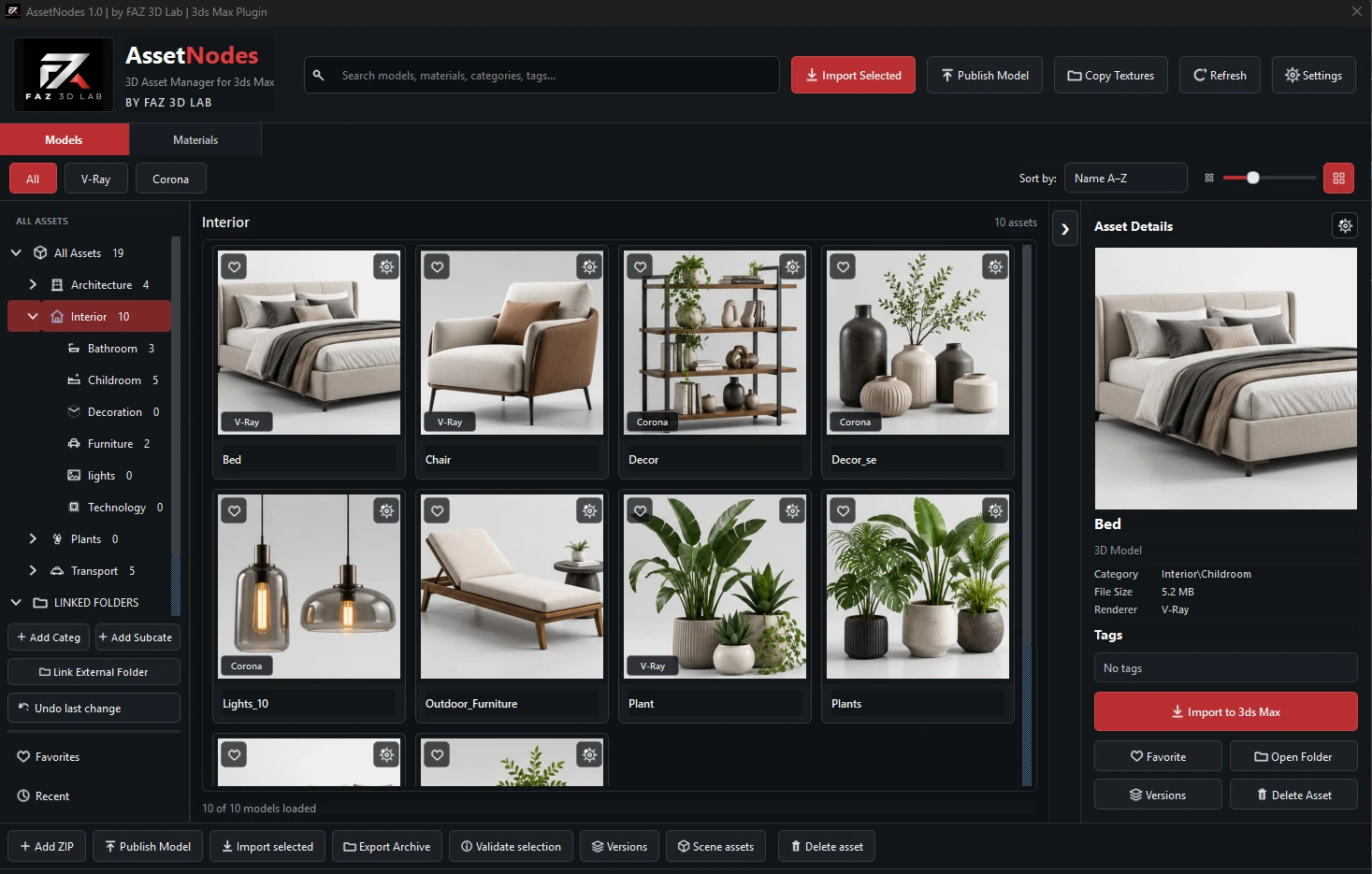
Dedicated Models view
Organize and reuse 3D models with visual thumbnails, categories and favorites.
A visual asset library for reusable 3D models and materials inside Autodesk 3ds Max. Models and Materials stay in dedicated views, while V-Ray and Corona materials are separated for clear access and easier browsing.
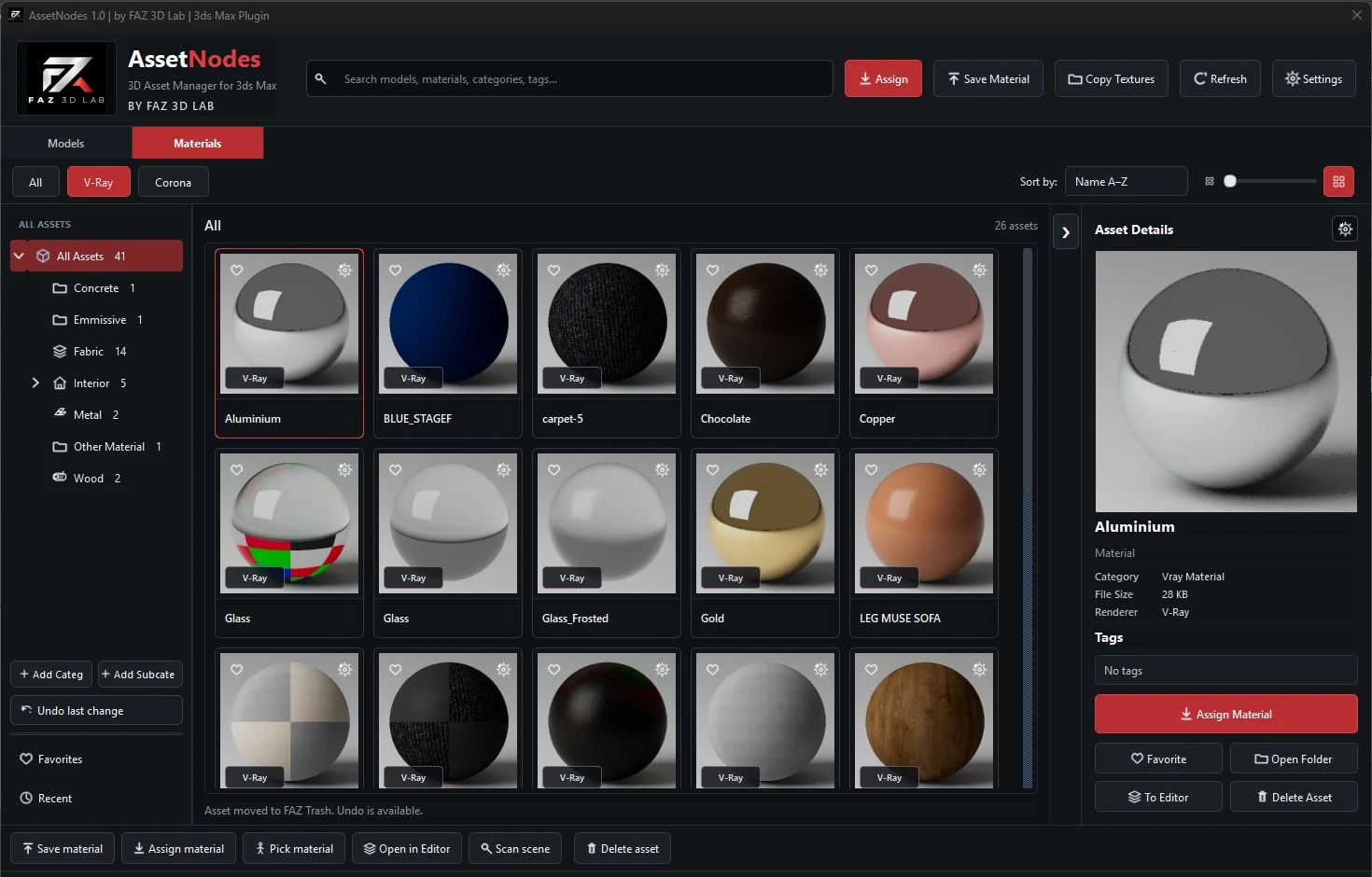
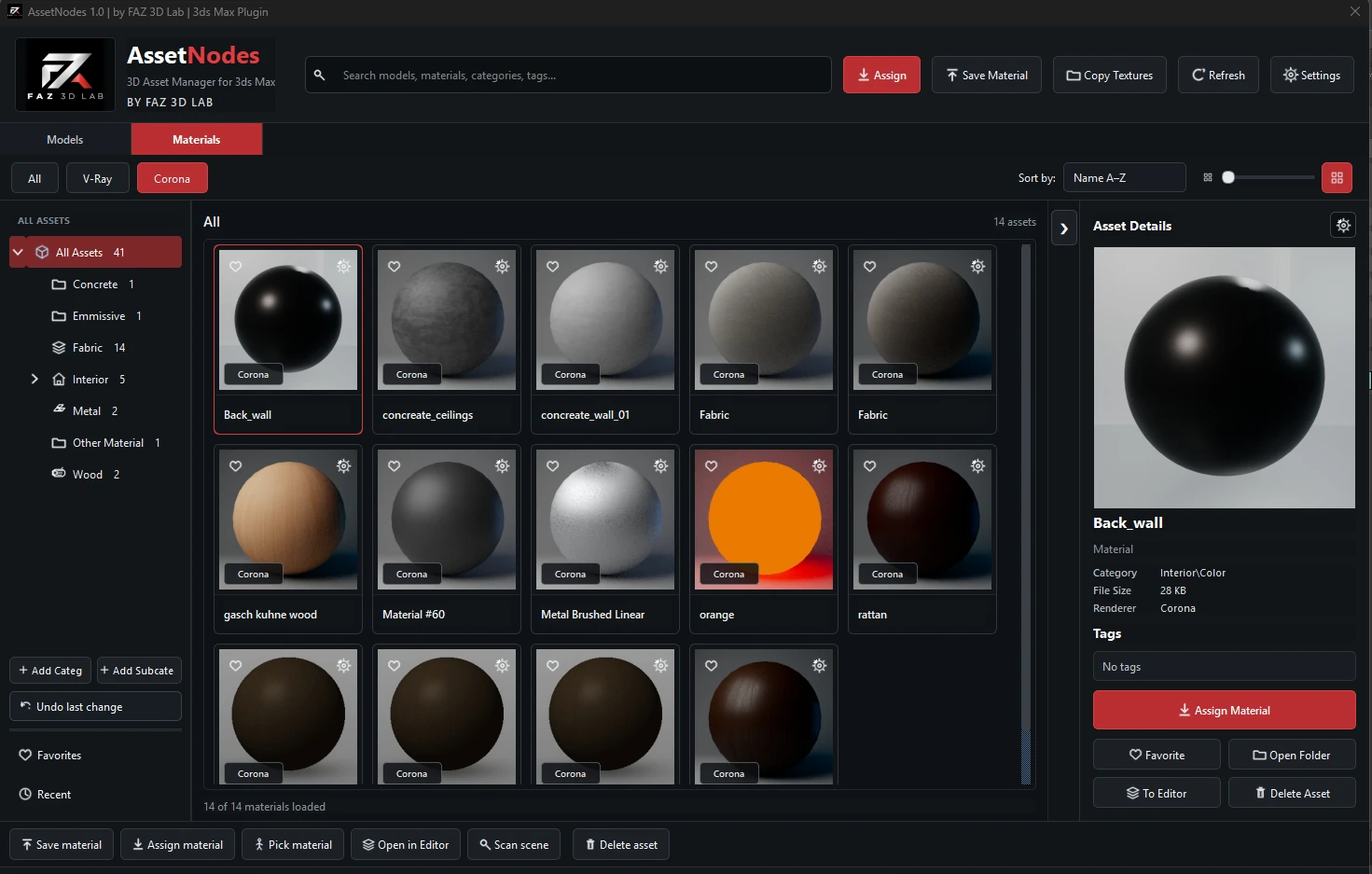
Asset Nodes is designed to make a personal 3D library easier to understand and faster to use during real production work.
Organize and reuse 3D models with visual thumbnails, categories and favorites.
Keep V-Ray materials separated into their own filtered library.
Switch to Corona and access renderer-specific materials without mixing libraries.
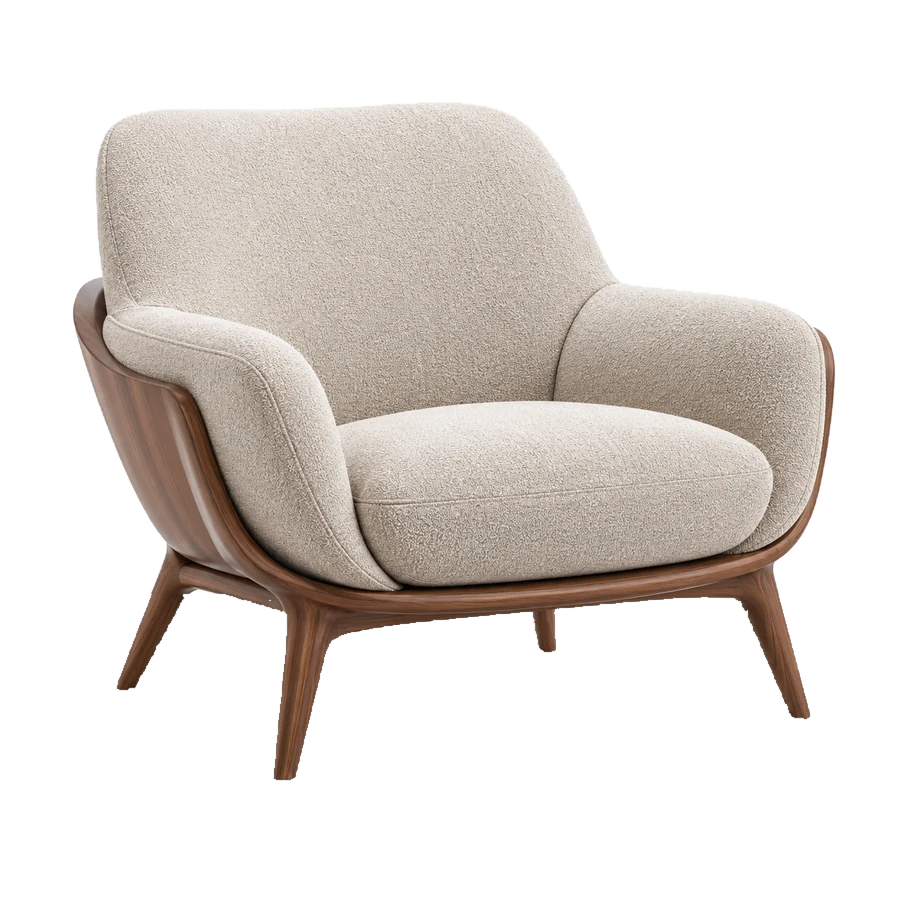
Find familiar assets quickly through clear previews instead of browsing filenames.
The video area is ready now. Your current/basic YouTube link can be used for launch and replaced later with the final polished tutorial without changing the page design.
Link slot readyThe website is prepared for your hardened 3ds Max trial installer. The public download button will be connected as soon as the approved installer file is added to the site package.
Use only assets you are legally permitted to store and use. Asset Nodes does not grant rights to third-party content.