Models Library
Organize reusable SketchUp model assets with visual thumbnails, categories, favorites and library controls.
A visual Asset Nodes library for SketchUp with Models and Materials kept in clean, separate views. The workflow is designed to stay familiar and easy to understand.
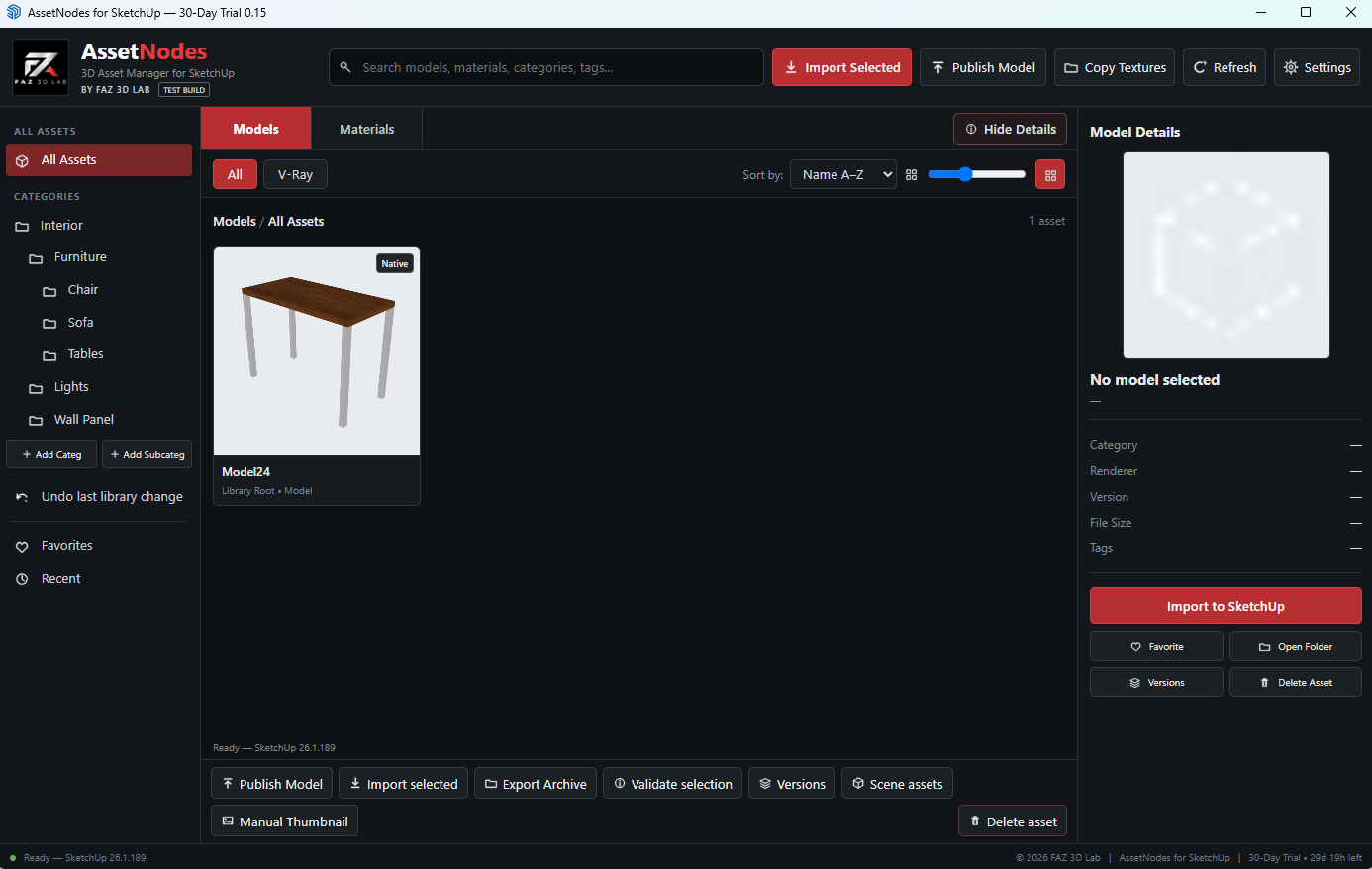
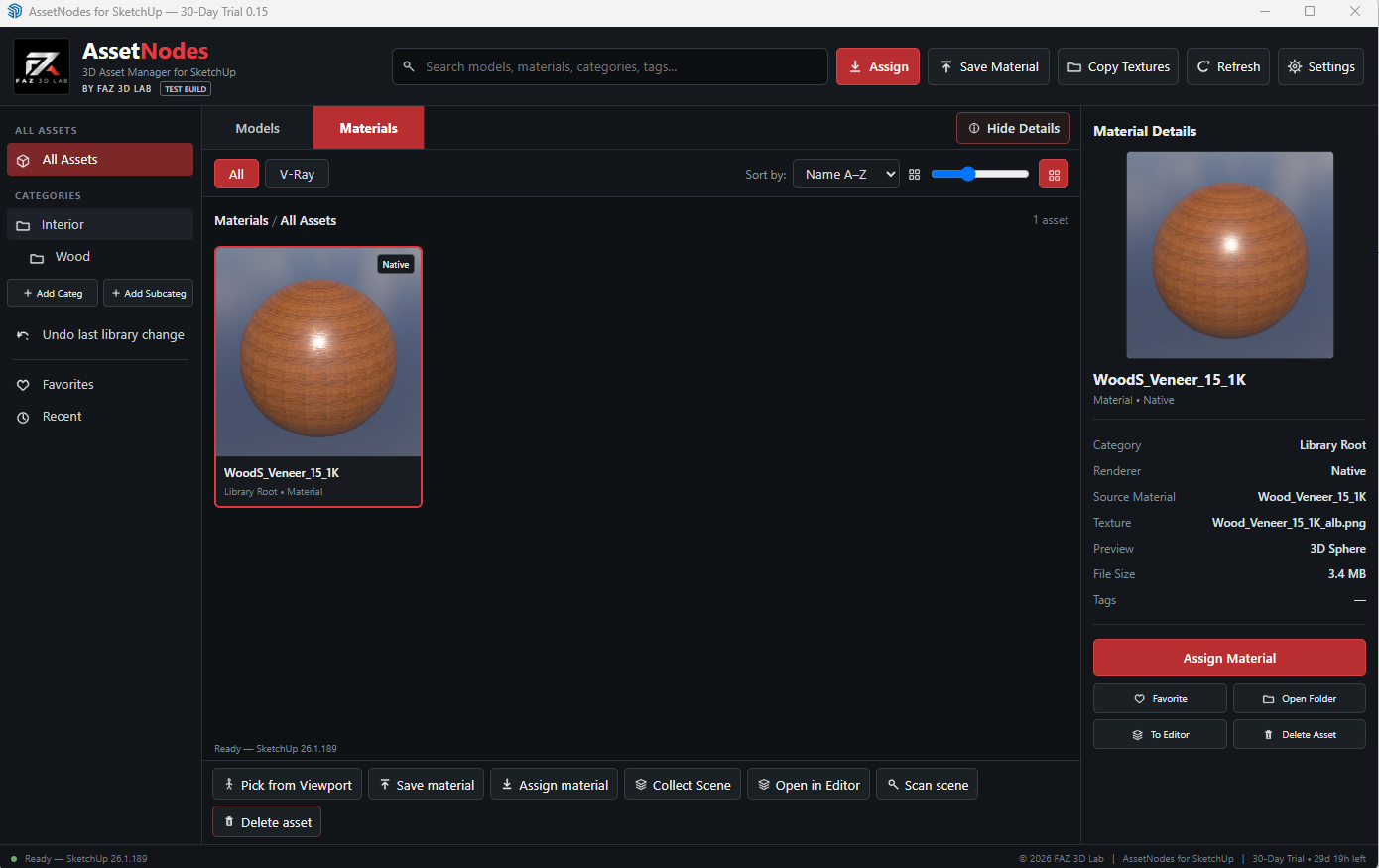
The SketchUp edition keeps the workflow intentionally simple: one library for Models and one library for Materials. The two product screenshots above are the only SketchUp screenshots used on this page.
Organize reusable SketchUp model assets with visual thumbnails, categories, favorites and library controls.
Keep materials separate from models. Supported V-Ray materials can be identified where available, while native materials remain part of the SketchUp material workflow.
The video area is ready now. A basic link can be added for launch and replaced later with the final tutorial.
Add final video laterThe public SketchUp trial download will be connected after the hardened installer build is complete and tested. This avoids publishing a development build by mistake. Trial and early-access builds may contain defects; supported issues can be reported through FAZ 3D Lab Support.
Use only assets you are legally permitted to store and use. Asset Nodes does not grant rights to third-party content.